
No typing, no categorising. Just cook.
Most recipe apps ask you to fill in fields after every import: what is it? How long? For whom? Not mangia. You drop the recipe in — and it categorises everything itself.
Free to use. No setup needed.
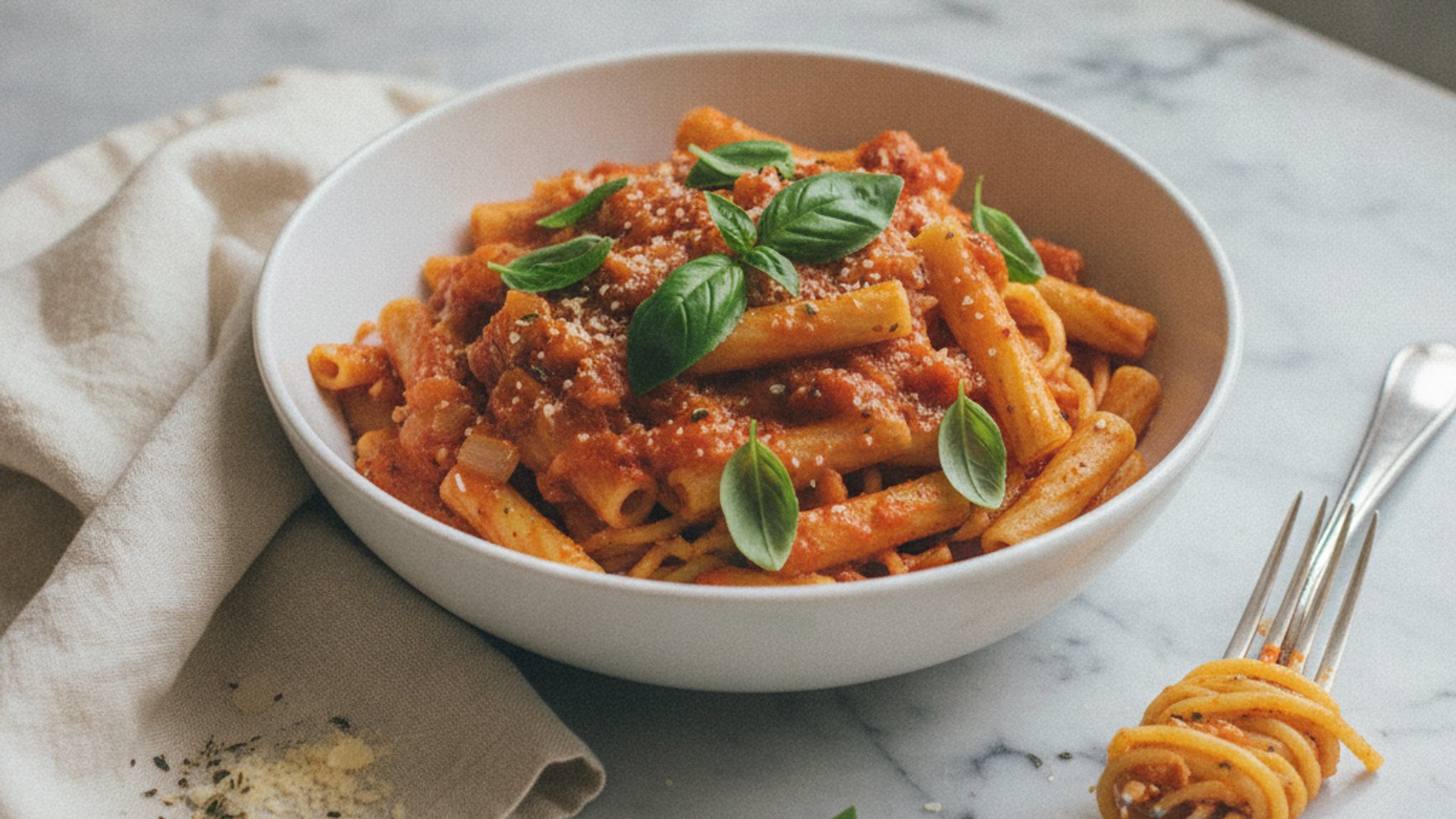
You want to cook, not categorise. But in most apps you click through fields after every import: what is it? How long? For whom? After twenty recipes you stop — and end up with a collection you can never properly filter.
mangia reads the recipe. You don't type a thing.
Whether you paste a link, upload a photo or scan an old cookbook — mangia reads the content itself. Without touching a single field, your collection knows: that's a 25-minute pasta, vegetarian, mild. And that one's a Sunday roast, 2 hours, with meat. Effortlessly you end up with a fully categorised collection — without ever having typed a thing.
What it is
Soup, pasta, salad, casserole, dessert — mangia recognises the dish type on its own. Also whether a recipe is mild enough for kids or on the spicier side for adults.
How long it takes
mangia estimates cooking time from the ingredients and method. Whether it's a quick weeknight dish or a weekend project — without you entering a single minute.
Who it's for
Vegetarian, vegan, with meat or fish — mangia reads it from the ingredients. You don't type a thing. And you can still filter by it afterwards, just as if you'd always filled it in yourself.
Frequently asked questions
Do I have to fill in anything after importing?
No. mangia reads the recipe and fills in what it finds — dish type, cooking time, dietary information and more. You don't touch a single field.
Does it work with photos or scanned recipes too?
Yes. Whether it's a link, a photo or a PDF — mangia pulls the information out. Even with low image quality or scanned cookbook pages.
What if mangia gets something wrong?
You can correct any field by hand at any time. But you don't have to — the automatically detected values are usually good enough for filtering and planning.
What do other apps do differently?
Most recipe apps require manual input after every import — category, time, dietary type. With mangia it happens automatically. Effortlessly you build a fully categorised collection without ever having typed a thing.
Can I filter by this information afterwards?
Yes. Dish type, cooking time, vegetarian or vegan — it's all filterable right away. And because mangia fills it in itself, the filter works even on recipes you imported a year ago.
Does it cost extra?
No. Automatic categorisation is included in the free version. No setup, no credit card.